MacPaint
Drawing and image editing
Discovering how a mouse, drawing software, and word processing opened new possibilities for creative work.
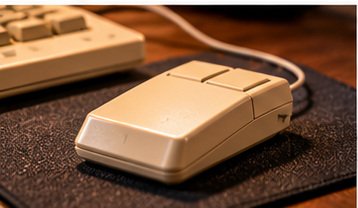
Explore This Chapter →What amazing tools MacPaint and MacWrite were for me. With the use of a mouse I could finally write and draw without the pain that accompanied holding a brush, pencil or pen.
My job in the QA lab was only aggravating the pain, repetitive actuating of 110 cameras or photographing with 300+ Disc cameras, (which had to be placed in a fixture with a clamp) was so painful, I had to take occasional breaks to run my hands under hot water until I could work some more.
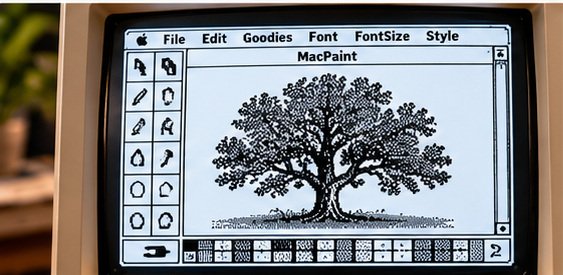
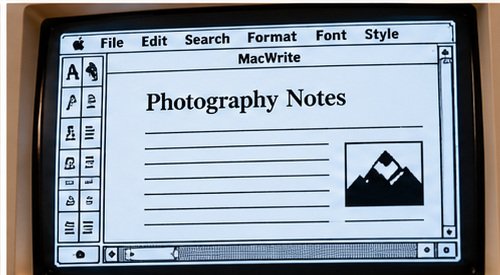
For the first time I could express myself with drawing using MacPaint. MacPaint would be just the first in a long line of software drawing/editing tools I would test or use in the coming years.
It was also at this point I realized, that I could edit a scanned B&W image at the pixel level; tools for photography on the computer were just around the corner.
Meanwhile, I had to do something about the tedious work in the lab, and if the work weren't hard enough on your hands, your reports to the engineers had to be hand written in triplicate using carbon paper, no mistakes or crossouts allowed. There must be an easier way.
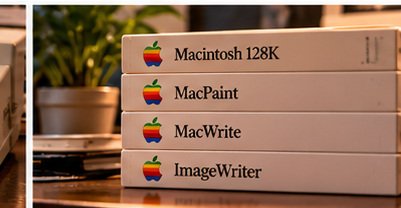
MacPaint and MacWrite offered new ways to draw, edit and prepare documents.
A look at the software and creative possibilities that marked this chapter in Peter's story. Images are modern AI illustrations, not original screenshots.
Drawing and image editing
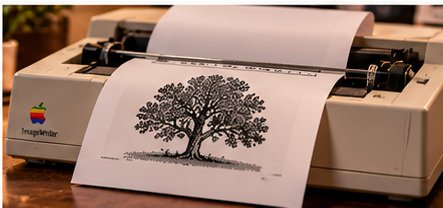
Writing and professional documents
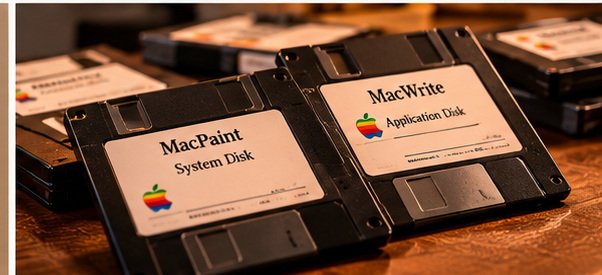
The tools that started it all